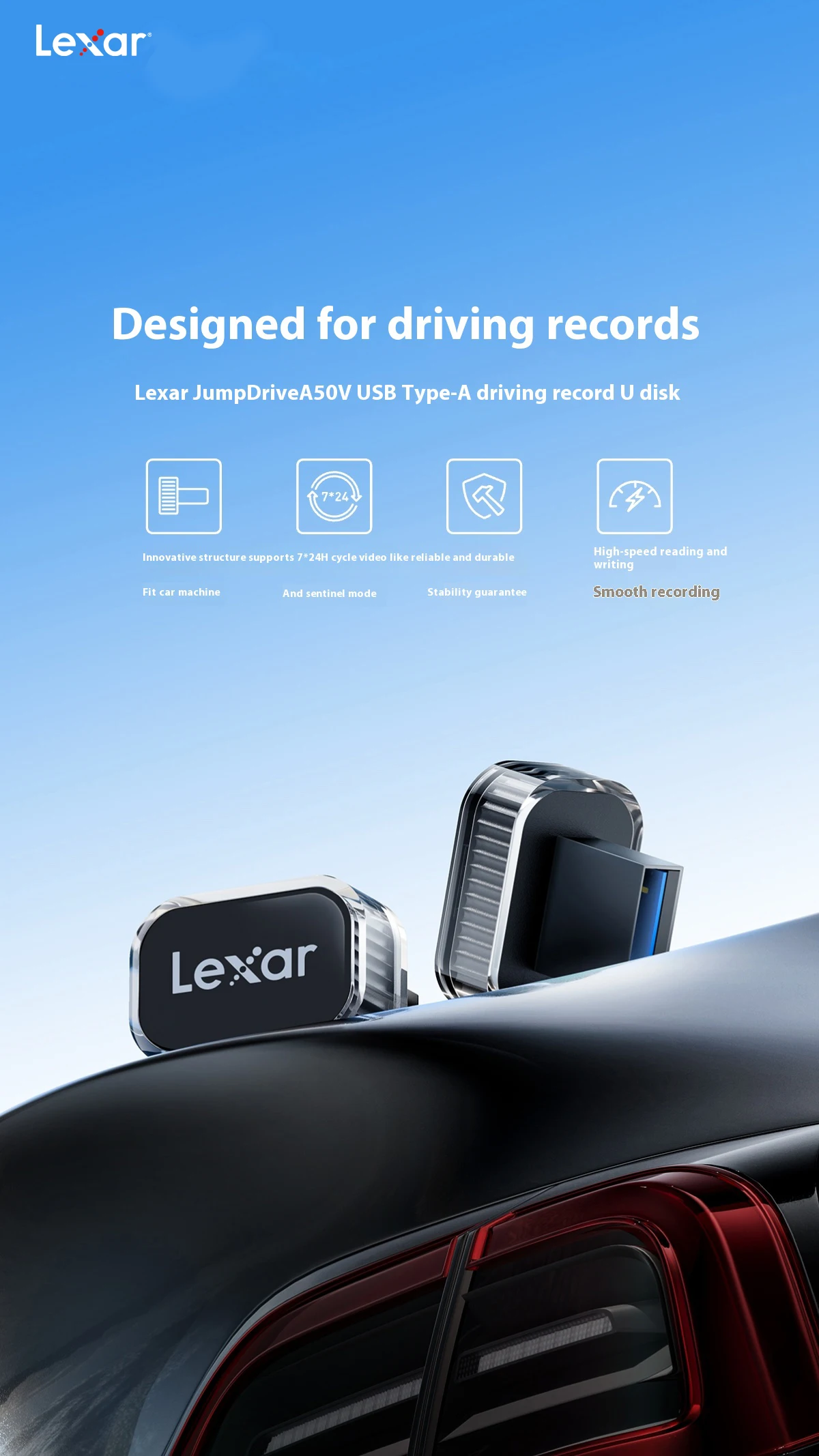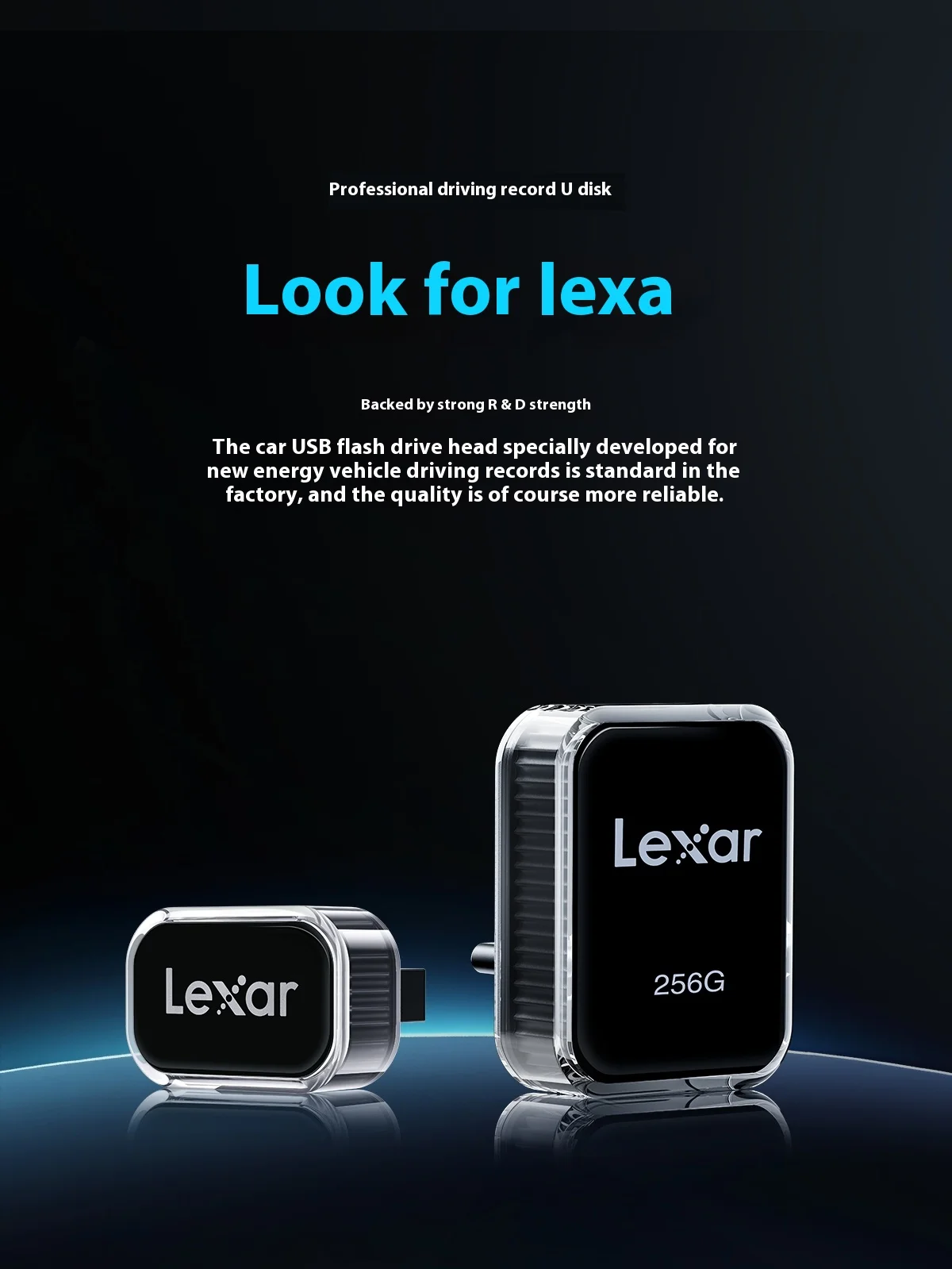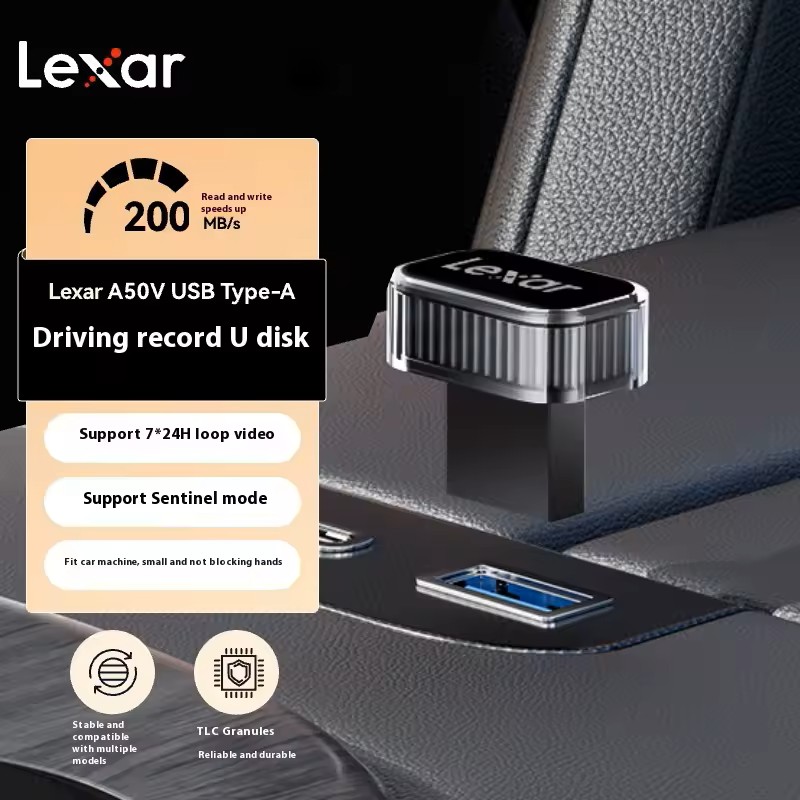
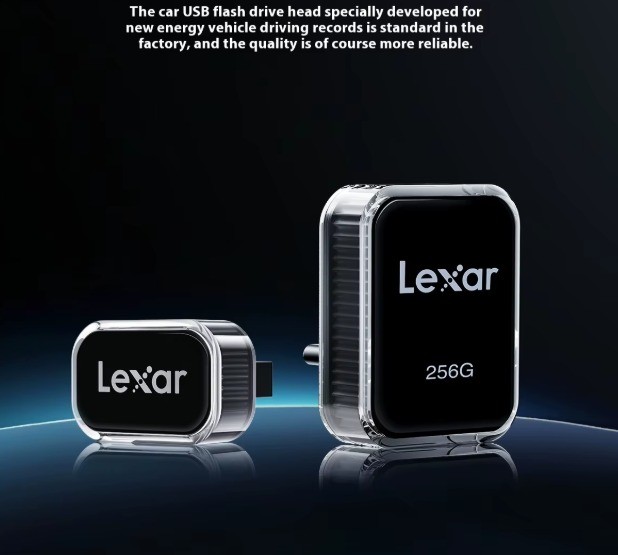
Lexar A50V Car USB Flash Drive Car Recorder Memory
Instructions for use:
1.Automatically format USB device.
Insert a USB flash drive into the USB port in the glove compartment, then click Control > Security > Format USB Device on the car. This will automatically format the USB device to exFAT and create a TeslaCam folder.
2. Format the USB device manually.
Connect a factory USB flash drive to the computer, create a root folder called TeslaCam, and insert the flash drive into the glove box.
USB port
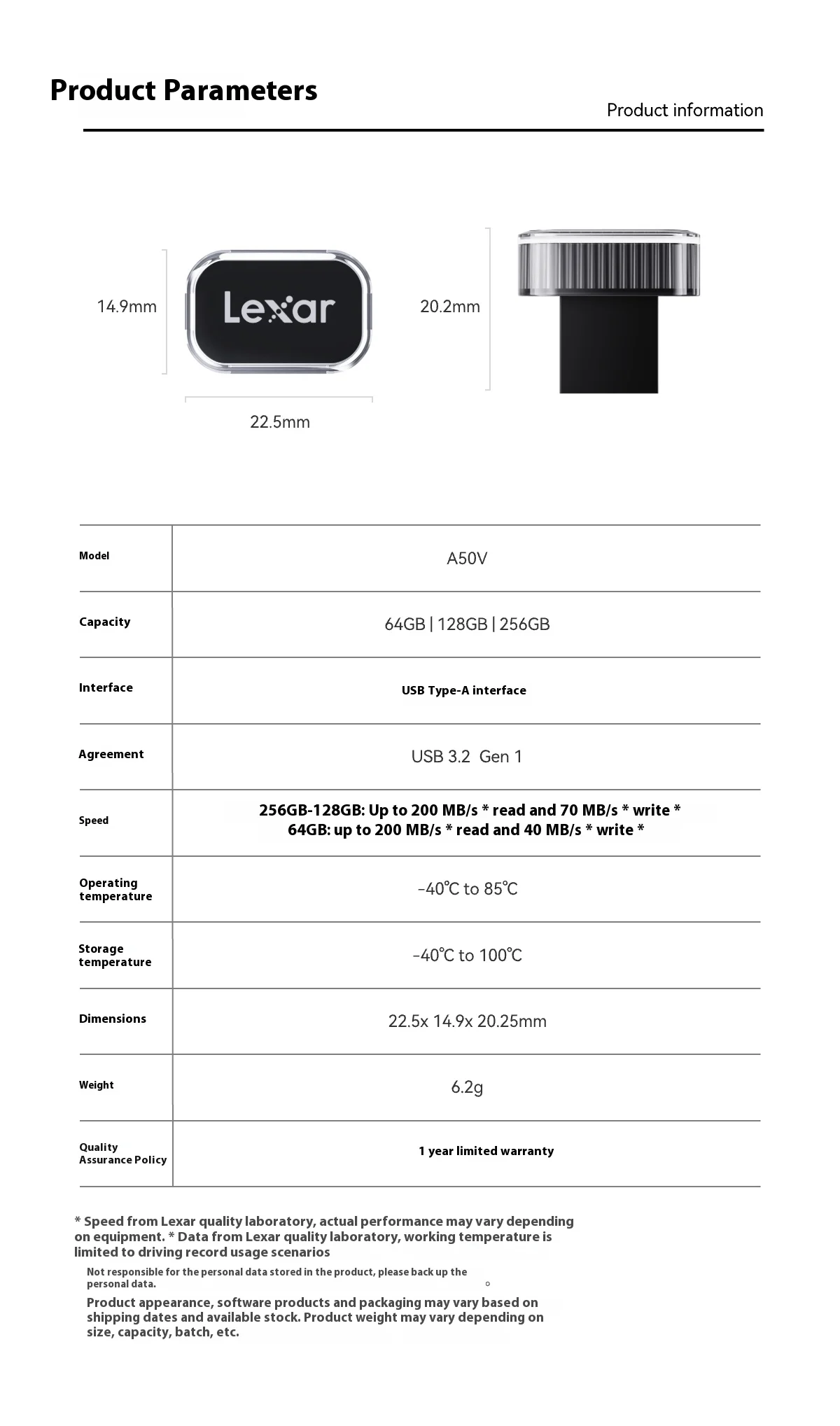
Model: A50V
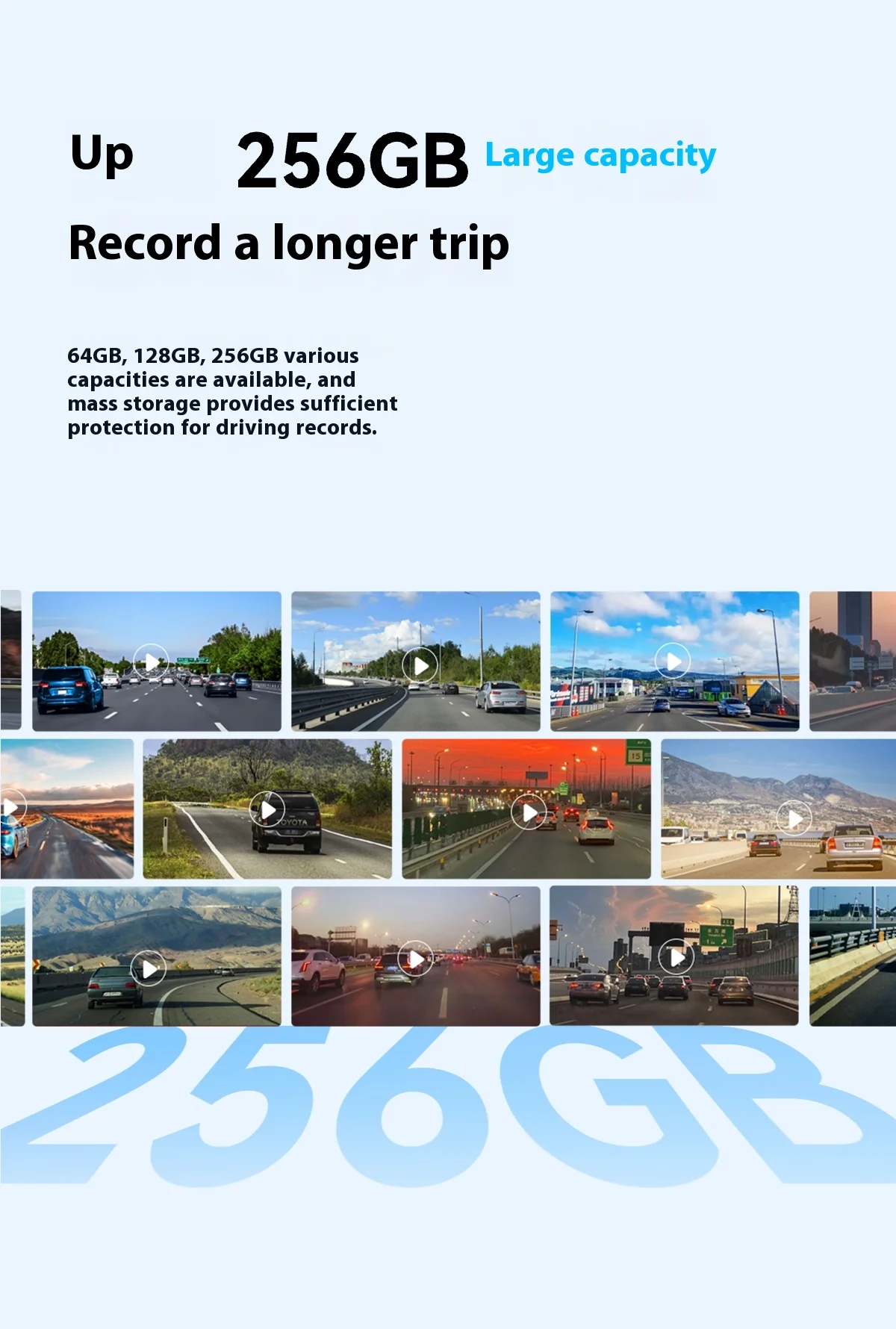
Capacity: 64GB|128GB|256GB
Interface: USB Type-A
Protocol: USB 3.2 Gen 1
Speed:
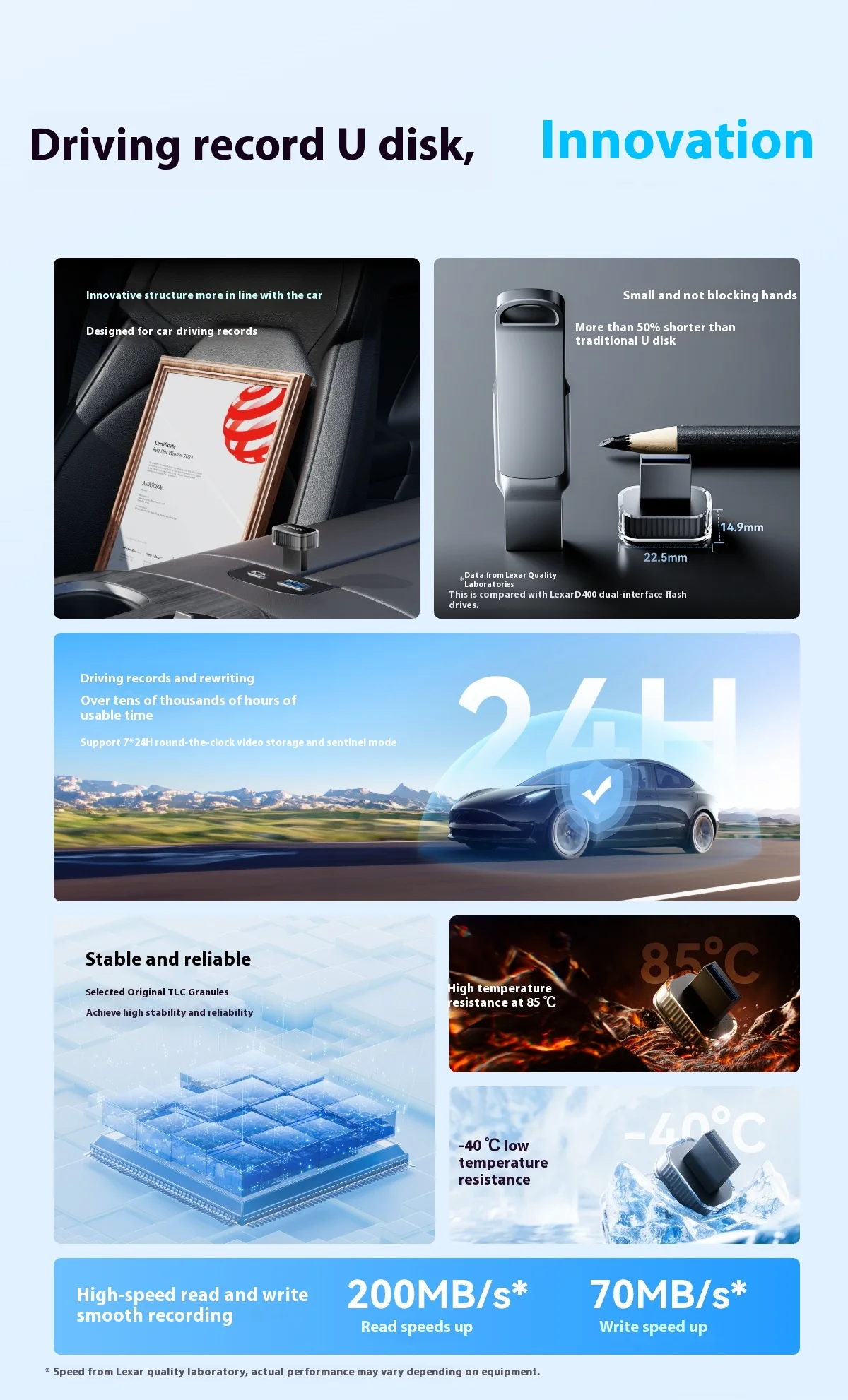
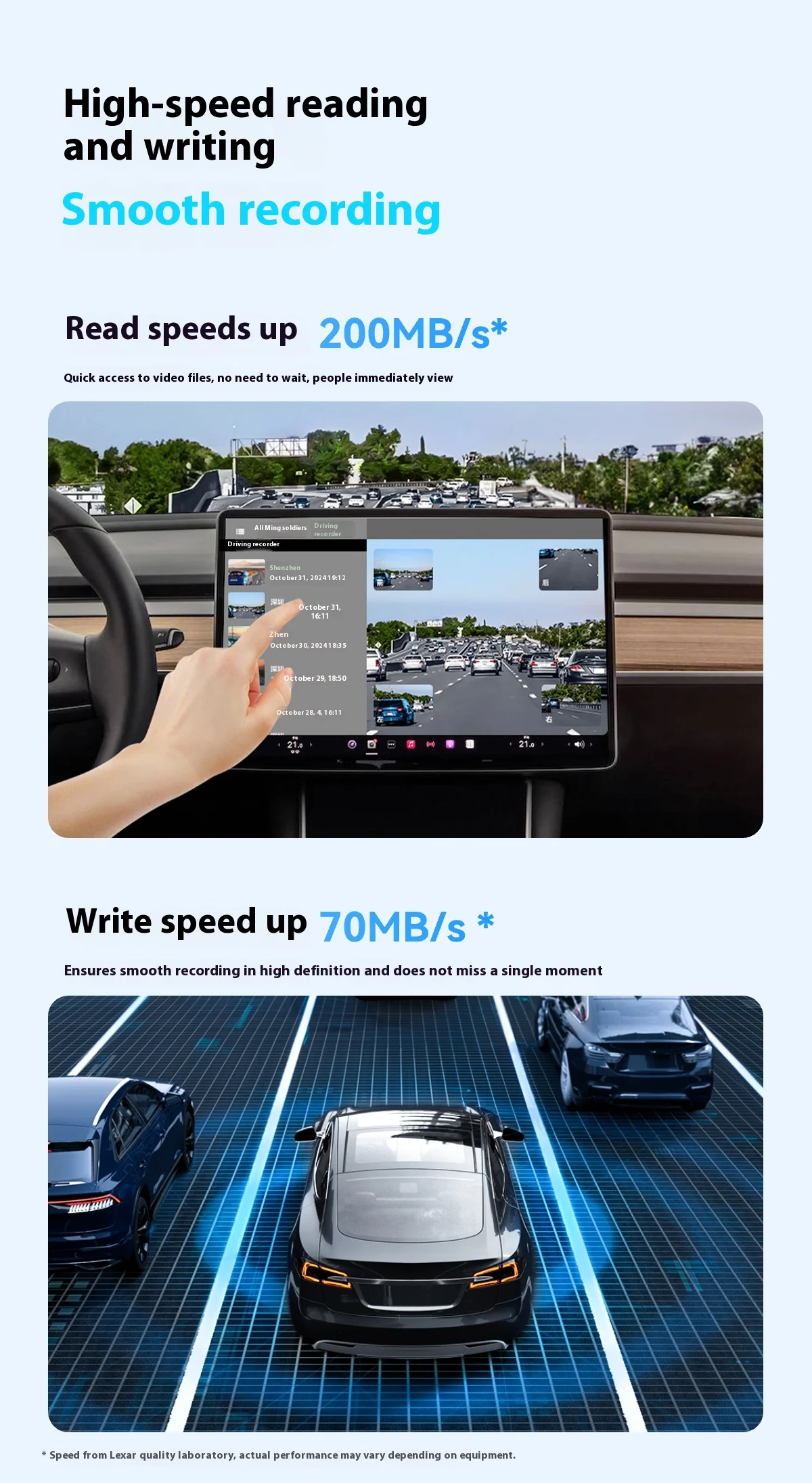
256GB-128GB: Read speeds up to 200MB/s*, Write speeds up to 70MB/s*
64GB: Read speeds up to 200MB/s*, Write speeds up to 40MB/s*
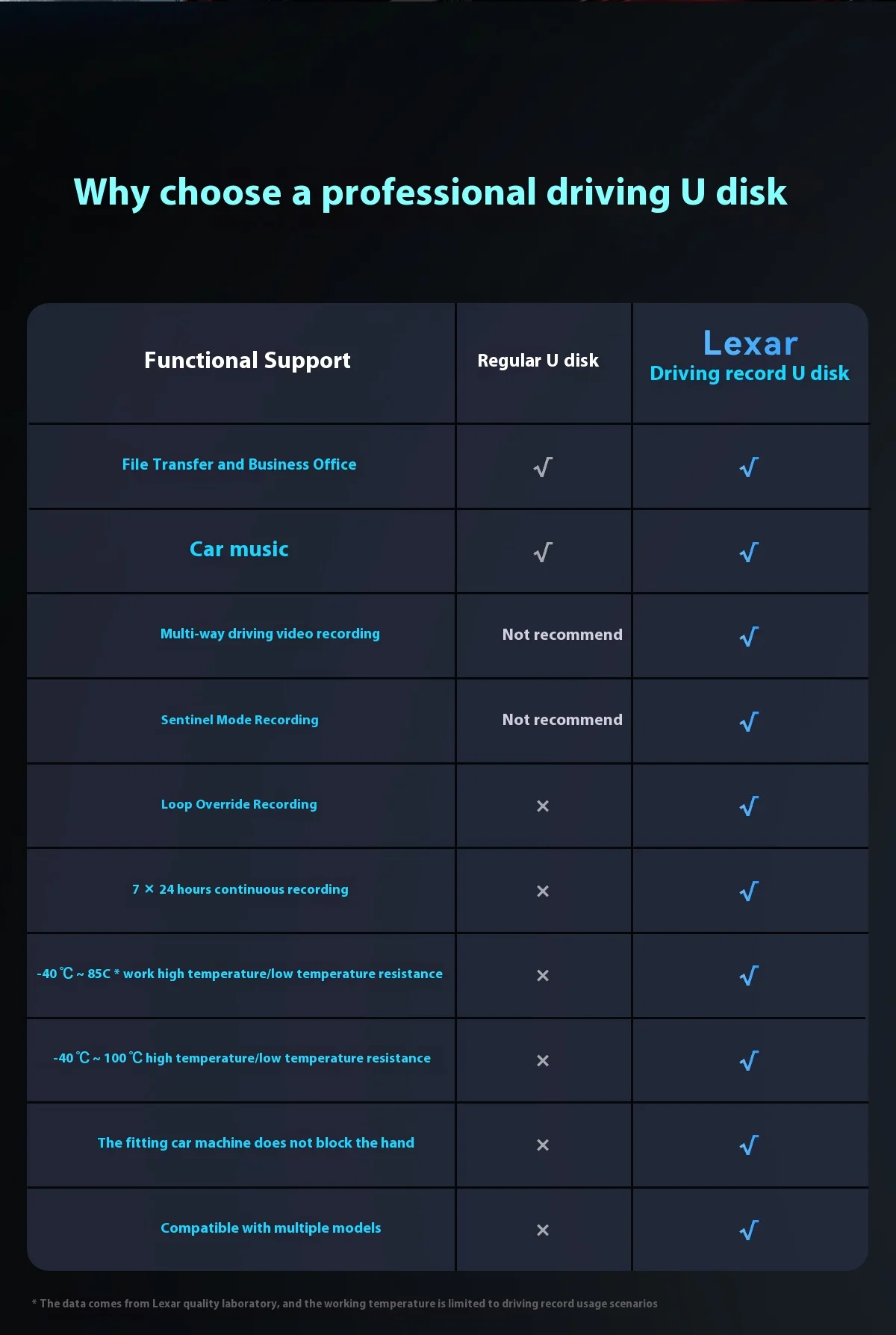
Operating Temperature: -40°C°C to 85°C
Storage Temperature: -40’°C to 100°C
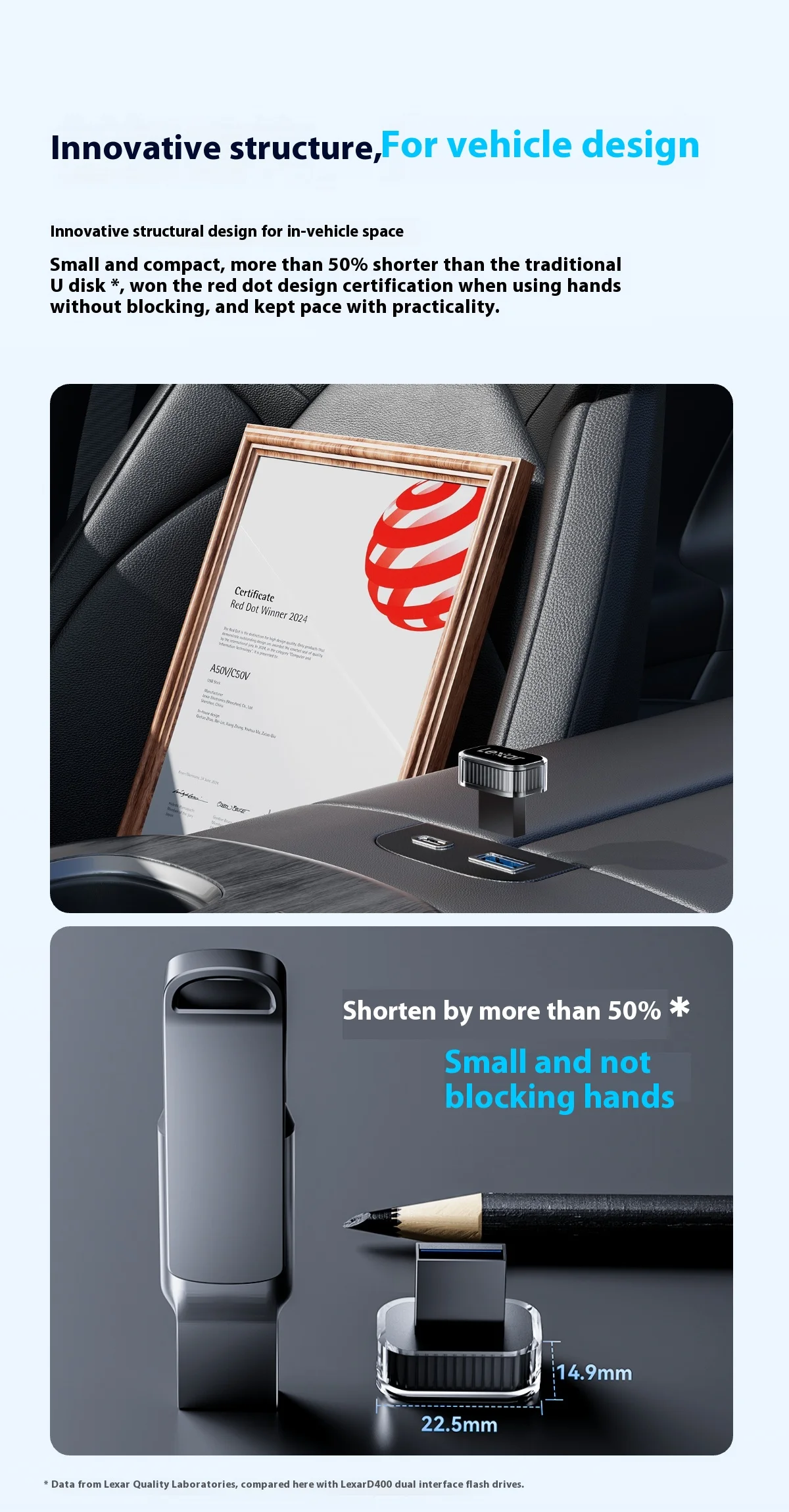
Dimensions: 22.5x 14.9x 20.25mm
Weight: 6.2g